
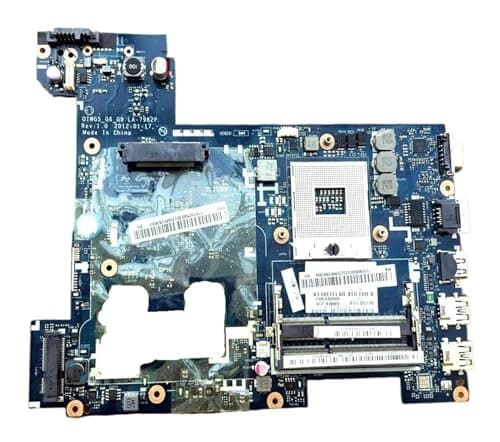
How to Choose the Best Motherboard in 2026: Complete Buying Guide
Choosing the right motherboard is the difference between a PC that upgrades smoothly and one that turns every future change into a compatibility headache. If you’re researching how to choose a motherboard, the biggest mistake is buying based on price or brand alone instead of matching the board to your CPU, case, and upgrade goals. This guide breaks down the features that matter, the mistakes to avoid, and the best motherboard options to consider so you can buy once and build with confidence.
Key Features to Look For
1) CPU Socket Compatibility
The socket is the first thing to check because the motherboard must physically match your processor. If the socket is wrong, the CPU simply won’t fit, no matter how good the rest of the board looks.
Why it matters: socket compatibility determines whether the motherboard can support the processor generation you want now and potentially later.
2) Chipset Support
The chipset controls what the motherboard can do beyond basic CPU support. It affects features like overclocking, USB options, storage lanes, and expansion flexibility.
Why it matters: two motherboards can share the same socket but offer very different feature sets, upgrade paths, and performance tuning options.
3) Form Factor
Motherboards come in different sizes such as ATX, micro-ATX, and mini-ITX. Your case must support the board size, and the size often affects how many expansion slots and connectors you get.
Why it matters: a larger board usually offers more room for upgrades, while a smaller board can be better for compact builds.
4) RAM Support and Memory Speed
Check the RAM type, maximum capacity, and supported speeds. Some boards support more memory slots or faster memory profiles, which can help with multitasking, gaming, and creative workloads.
Why it matters: memory support influences both current performance and how far you can upgrade later without replacing the board.
5) Storage Options
Look for the number of M.2 slots, SATA ports, and any support for faster NVMe drives. Storage flexibility matters if you want to run multiple drives or add more space later.
Why it matters: a motherboard with better storage support makes it easier to build a faster system and expand it over time.
6) Power Delivery and Cooling
Stronger power delivery helps the CPU run more reliably, especially under heavy loads. Good heatsinks and board cooling also help keep temperatures under control.
Why it matters: better power delivery can improve stability, reduce throttling, and support more demanding processors.
7) Connectivity and Expansion
Check rear USB ports, front-panel headers, Ethernet, Wi‑Fi support, audio, and PCIe slots. These features determine how easily you can connect peripherals and add graphics cards, capture cards, or storage expansion.
Why it matters: the right connectivity saves you from relying on adapters and external hubs later.
What to Avoid
Buying Without Checking Compatibility
The most common mistake is assuming any motherboard will work with any processor. Socket, chipset, RAM type, and case size all need to line up.
Overpaying for Features You Won’t Use
If you’re building a basic office PC, you probably don’t need premium overclocking support or a large number of expansion slots. Paying for unused features lowers value.
Ignoring Future Upgrade Plans
A board that works today might become limiting quickly if it has too few RAM slots, storage connectors, or PCIe expansion options.
Choosing the Cheapest Board Available
Very low-cost boards can cut corners on power delivery, cooling, and connectivity. That may lead to instability or a frustrating upgrade path.
Forgetting BIOS and Support Considerations
Some boards may need BIOS updates for newer CPUs. If you’re not prepared for that, you could run into setup issues right out of the box.
Our Top Picks
Below are practical motherboard options from our product list. These are especially useful if you’re looking at replacement boards for specific systems and want a straightforward, compatibility-first purchase.
1) Applicable to G480 Notebook Motherboard DDR3 QIWG5 LA-7982P for Lenovo ✓ Prime $161.86
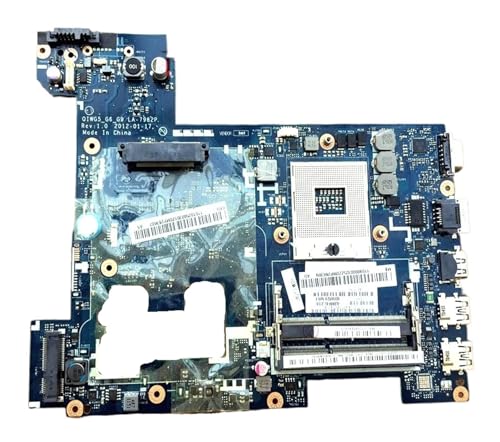
This is a sensible choice if you need a Lenovo-compatible replacement board and want a straightforward path to restoring an older laptop system. The listing emphasizes performance, durability, and easy installation, which makes it appealing for repair-focused buyers.
Best for: Lenovo G480 owners replacing a failed motherboard.
✓ High-performance design for smooth operation
✓ Durable construction for reliability
✓ Easy installation and compatibility for DIY users
✓ High-speed connectivity, robust power delivery, and enhanced cooling
✓ Intuitive layout that simplifies upgrades and repairs
✗ Limited to a very specific Lenovo system use case
✗ Not a general-purpose desktop motherboard
2) Applicable to Et2012e Et2013i Motherboard Version: 2.00G Integrated Computer Independent Graphics Motherboard for ASUS ✓ Prime $183.24
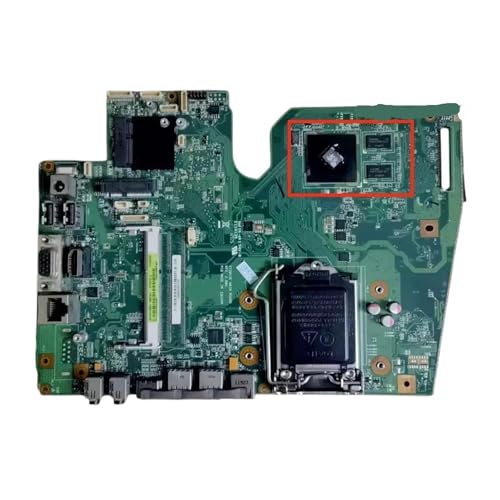


This board makes sense if you need a replacement for a compatible ASUS system and want a board built around stable everyday use. The additional images help give a better sense of the board layout and form factor.
Best for: ASUS system replacement where compatibility matters more than flashy extras.
✓ Designed for smooth, efficient operation
✓ Durable build for longevity
✓ Straightforward installation process
✓ High-speed connectivity and robust power delivery
✓ Easy-to-follow layout for beginners
✗ Narrow compatibility window
✗ Not intended for broad desktop customization
3) Applicable to L440 Notebook Motherboard FRU: 04X2013 00hm534 DDR3 Motherboard for Lenovo ✓ Prime $166.61
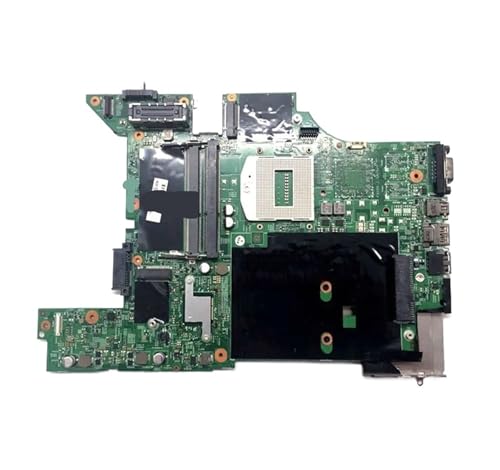
If you’re repairing a Lenovo L440 and want a replacement board that focuses on practical compatibility, this is a strong option. It’s a good fit for users who value a direct swap over a full platform upgrade.
Best for: Lenovo L440 owners needing a reliable replacement motherboard.
✓ High-performance motherboard design
✓ Durable and reliable construction
✓ Easy installation and compatibility
✓ High-speed connectivity and robust power delivery
✓ Beginner-friendly layout
✗ Limited to a specific notebook model
✗ Not suitable for new custom PC builds
4) Applicable to LH531 Notebook Discrete Graphics Motherboard Hm65 Motherboard for Fujitsu ✓ Prime $133.94
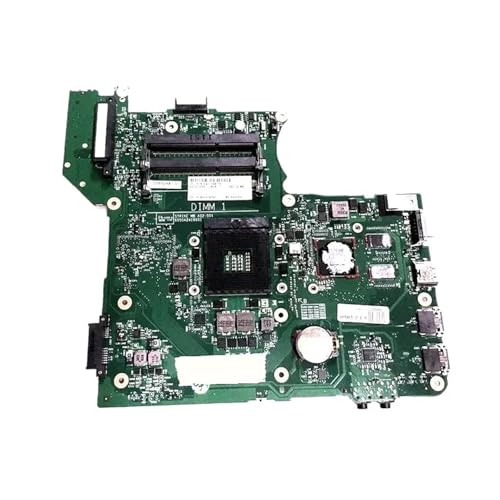


This Fujitsu-compatible motherboard is the budget-friendlier option in the list and may appeal to buyers who want to revive a supported laptop without overspending. Its listed features focus on reliability, easy installation, and solid connectivity.
Best for: Cost-conscious repairs for compatible Fujitsu systems.
✓ Lower price than the other options in this guide
✓ High-performance and reliable construction
✓ Easy installation for DIY repairs
✓ High-speed connectivity and robust power delivery
✓ Helpful layout for beginners
✗ Very specific compatibility requirements
✗ Not a mainstream desktop upgrade board
Budget Guide: What You Get at Each Price Point
Under $150
At this price point, you’re usually looking at a more affordable replacement board with a narrower compatibility target. The main value is getting a system back up and running without spending too much.
Best for: simple repairs and older laptop replacements.
$150 to $170
This range includes several of the options in our list and tends to be the sweet spot for compatibility-focused replacement motherboards. You’re paying for dependable construction and easier installation, not extra enthusiast features.
Best for: buyers who want a reliable OEM-style replacement.
Above $170
Higher-priced boards in this guide may offer more specific compatibility or a more complete replacement solution for certain systems. The price reflects the exact match and convenience of getting a board designed for a particular model.
Best for: users who need the right board now and want to avoid downtime.
Frequently Asked Questions
What is the most important thing to check when choosing a motherboard?
The most important thing is CPU socket compatibility. After that, check chipset support, RAM type, and case size to make sure everything works together.
How do I know if a motherboard will fit my case?
Check the motherboard form factor and compare it with your case specifications. The case must support the board size, such as ATX, micro-ATX, or mini-ITX.
Do I need a more expensive motherboard for better performance?
Not always. A more expensive motherboard usually adds features, better power delivery, and more expansion options, but it won’t automatically make a basic system faster.
Can I reuse my old RAM on a new motherboard?
Only if the new motherboard supports the same RAM type and speed range. Always verify DDR generation and capacity limits before buying.
What’s the biggest mistake people make when buying a motherboard?
The biggest mistake is buying without checking compatibility across the CPU, socket, chipset, RAM, and case. That leads to returns, delays, and wasted money.
Get the Full Tech Buyer's Guide
Download our detailed comparison with specs, scores, and our honest verdict — delivered straight to your inbox.
Free. No spam. Unsubscribe anytime.
Was this review helpful?
Be the first to share your feedback on this review.
Sign in to vote and let us know what you think.
Discussion (0)
No comments yet. Be the first to start the discussion.
Related Reviews
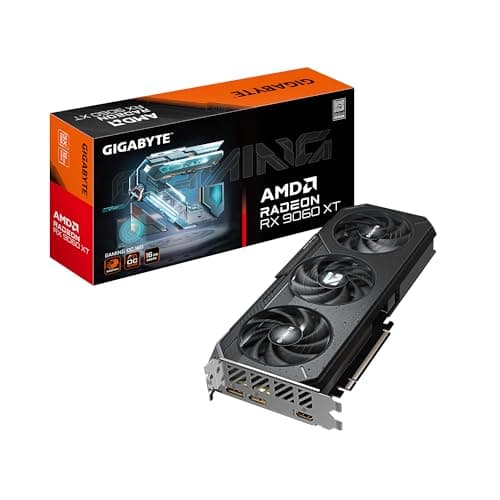
7 Best GPU for 1080p Gaming in 2026 — Smooth Frame Rates Without Overspending
If you’re shopping for the best GPU for 1080p gaming , the challenge is simple: you want high frame rates without paying for more graphics card than your monitor can use. The picks below focus on cards that make sense for 1080p players who care about smooth gameplay, sensible pricing, and enough VRA
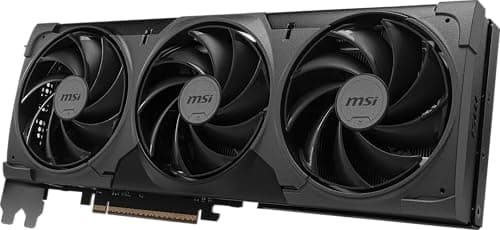
Best GPU Under $300 for Every Budget in 2026: Ranked by Price & Performance
If you’re hunting for the best GPU under $300 , the reality is simple: true value is about getting the highest frame rates per dollar, not chasing the biggest spec sheet. Some buyers need the cheapest card that still handles 1080p gaming well, while others want the strongest performance they can get
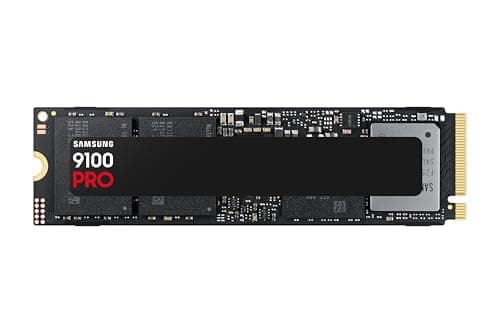
Is a Gen 5 SSD Worth It 2026 Review (2026): Honest Verdict After Testing
The Samsung SSD 9100 PRO 2TB is built for users who want cutting-edge storage without sacrificing reliability. Its standard M.2 2280 form factor means it fits into modern desktops and laptops that support PCIe 5.0, but the real story here is thermal and power efficiency, not just raw speed numbers.